Hosted Dropzone auto-submission automatically submits uploaded files after a configurable wait time, ensuring files are delivered even if the uploader browses away or forgets to complete the final step - pressing the 'Submit' button. This setting is especially helpful for organizations that routinely receive large files or support users on slower connections that result in longer upload times.
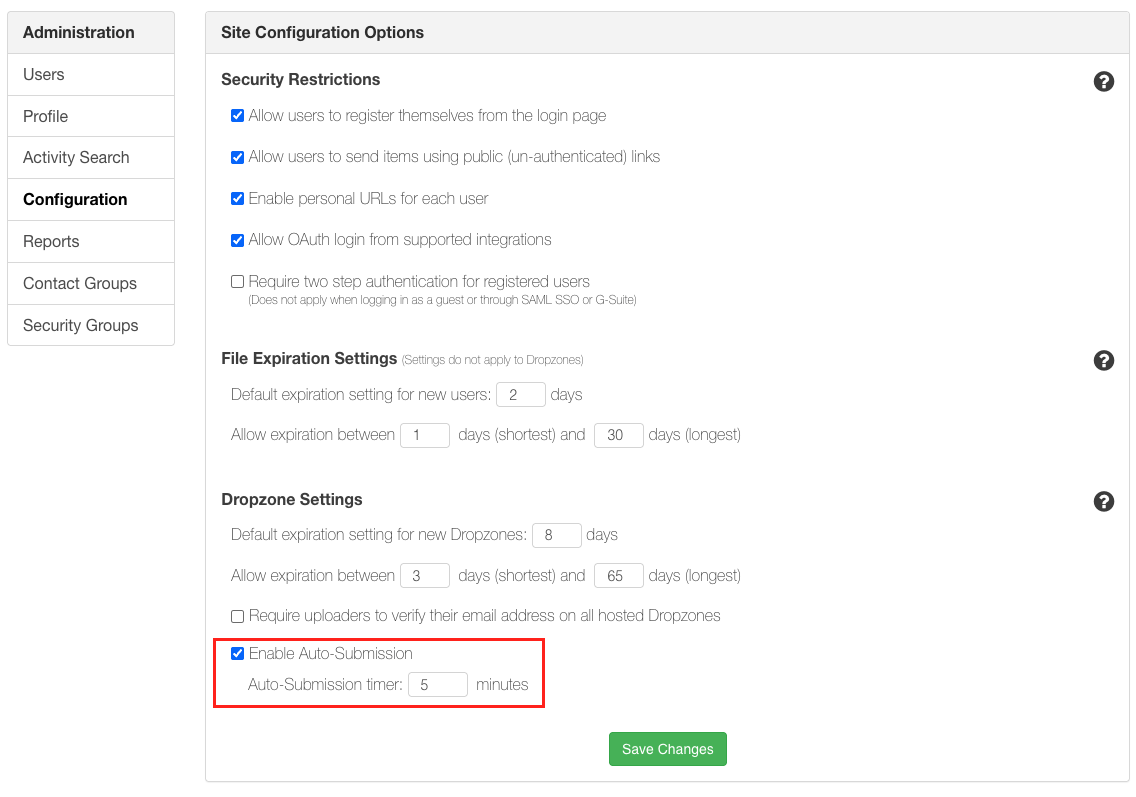
Admins can opt-in to automatic file submission for hosted Dropzones from the Configuration section of the Enterprise Console. The wait time defaults to 5 minutes, however Admins can configure any time between 1 and 1440 minutes (24 hours). When enabled, auto-submission applies to all hosted Dropzones in the portal.
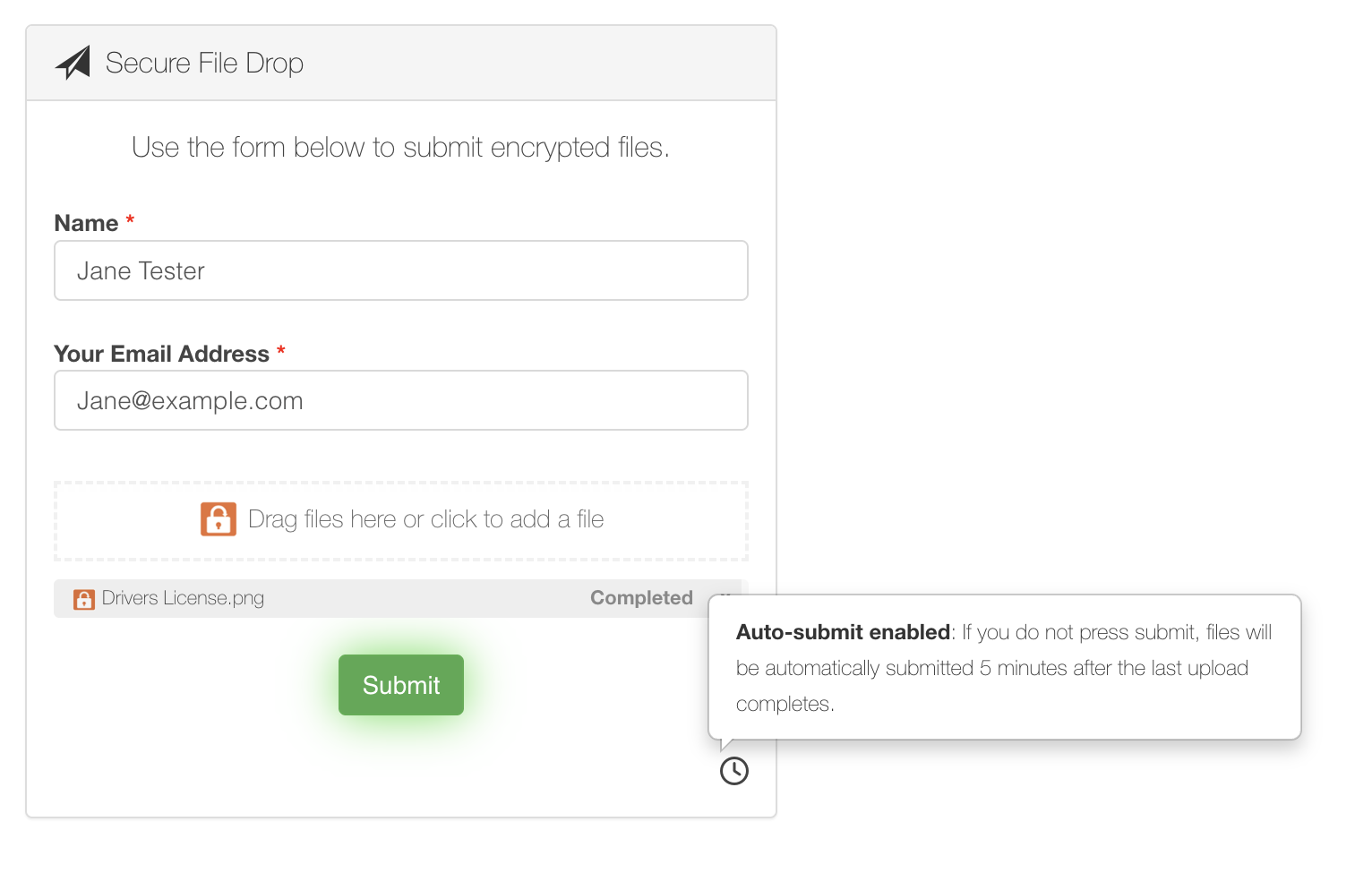
For transparency, end users uploading files see a clock icon and tooltip indicating that their uploaded files will be automatically submitted after the configured time period.
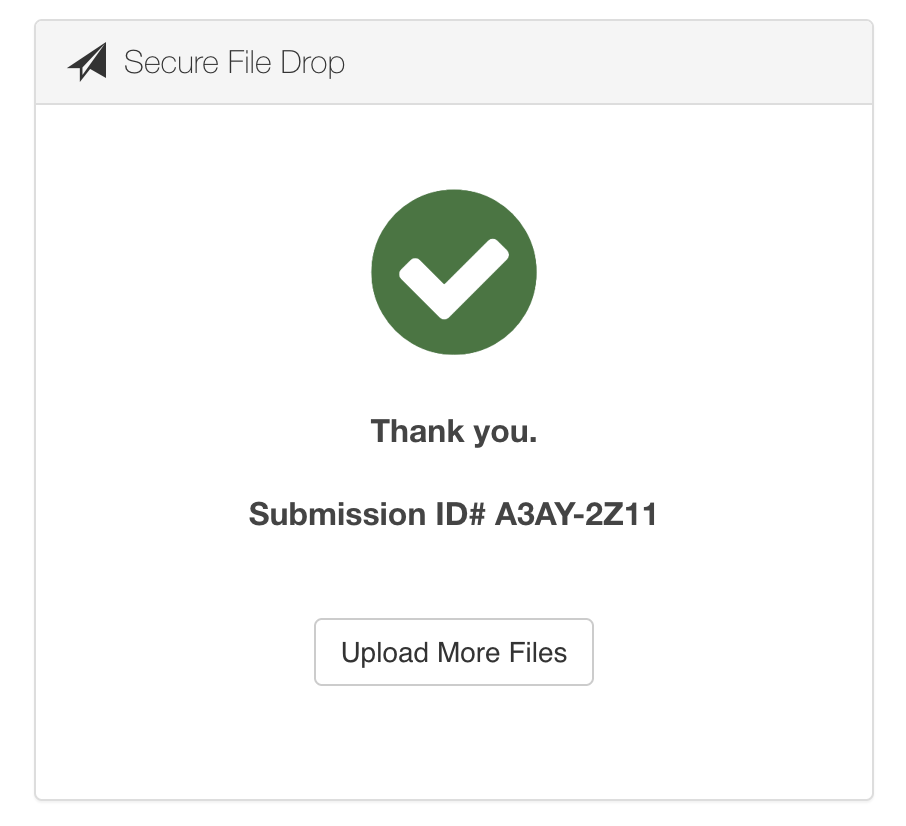
Once submission is complete, users are shown a 'thank you' screen that includes the Submission ID—providing confirmation that their files were successfully delivered.
Dropzone auto-submission is available on the SendSafely Teams, Business and Enterprise plans.
Comments
0 comments
Article is closed for comments.