SendSafely Workspace deeplinking takes Workspace collaborators directly to a specific folder or file within a Workspace using a dedicated URL.
How It Works
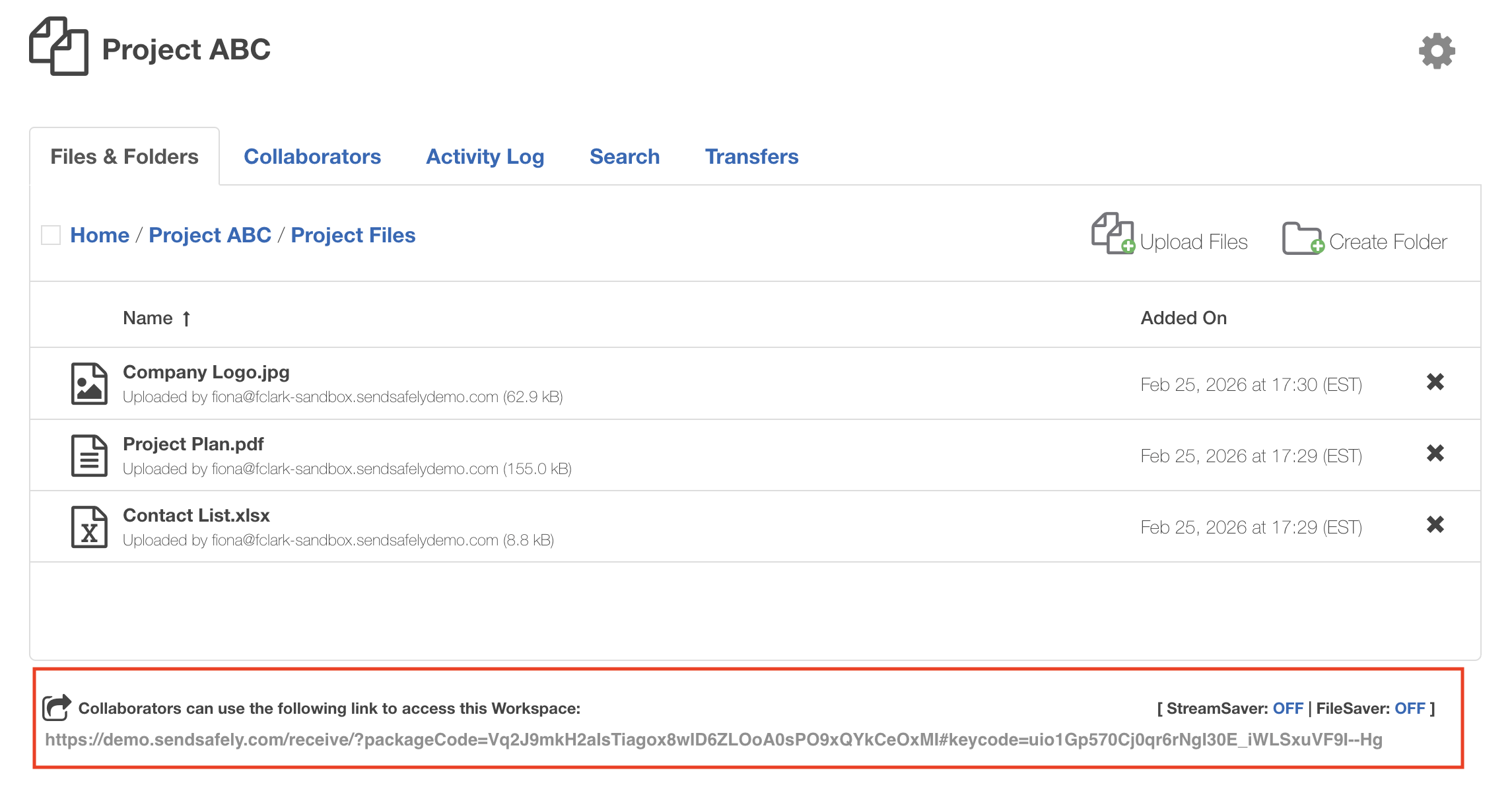
The shareable secure link located at the bottom of each Workspace page operates as a deeplink by default. When browsing a Workspace, the shareable link automatically updates to reflect your location (folder or file). To generate a deeplink for a collaborator, simply navigate to the file or folder you wish to share, and copy the link displayed at that location.
When a collaborator clicks the link:
- If it points to a folder, the Workspace opens directly to that folder view.
- If it points to a file, the user is taken straight to the file details page.
Access controls are enforced, users can only access folders and files they are authorized to view.
Comments
0 comments
Article is closed for comments.